An AI chat that follows me around the site, with tools for searching, reading my Are.na, Raindrop and Readwise saves, and arranging things on tables. Tables are new too, canvases where posts, books, wiki pages and links sit side by side. A browser for cag.wiki, a command palette, a Subscribe menu with email signup and per-type feeds, replies and likes from Mastodon and Bluesky on posts, syndication threads with photos, and every IndieWeb post type.
Chat
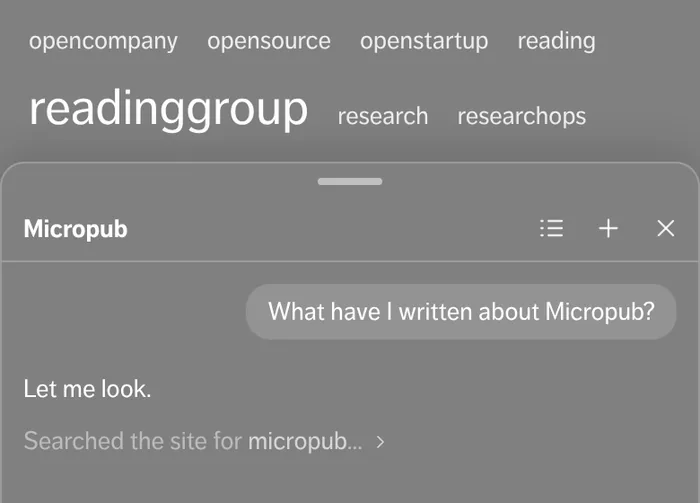
The chat on a phone, with its steps inline in the reply.
An AI chat at /chat, only for me while signed in for now. It can search the site, read pages, look at images, and take me to a page. Each chat gets a title and a place in a list sorted by latest activity. #228#230#241
The chat follows me across the site from a 💬 button in the corner, keeps its conversation and draft between pages, and knows which page I'm on. On wide screens it docks in the same side panel as the library's book details. On phones it's a bottom sheet that folds down to the newest line and the composer. #233#235#236#251
/chat is laid out like a chat app: the list of chats grouped by day, a centred conversation, and the composer held at the bottom. ⌘K on a chat page searches chats, and a switch moves a chat between Sidebar, Floating and Full screen. #258
Steps sit in the reply where they happened. A gray line sums up a run of them ("Searched the site, read 2 pages"), opens to the list, and each step opens to its request and response. #254
Sent messages show at once. A message sent while the assistant is answering steers that answer at its next step, and ⌘Enter queues it for afterwards. #255
Redesigned the assistant's tools around one call per intent, with today's date in the prompt, bounded results, and browsing by date. A "what's new this week" question went from 18 tool calls and a failed run to one call and an answer. #243
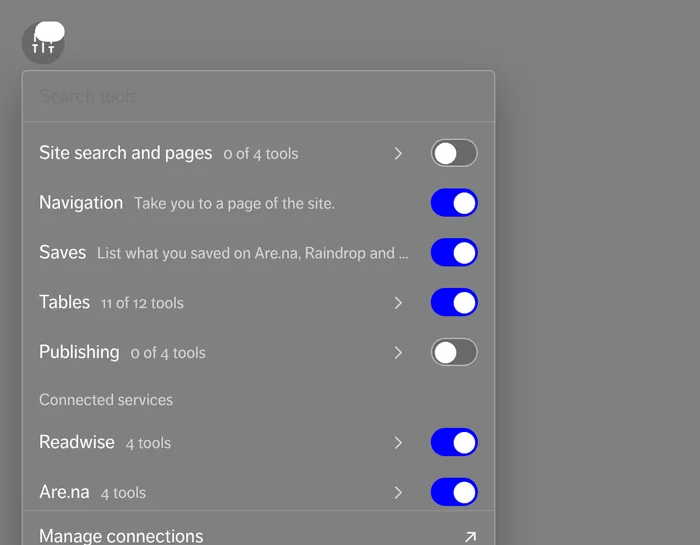
Each chat chooses which tools it may use.
The chat reads my Are.na, Raindrop and Readwise saves in full: channels, collections, shelves and tags, and everything a place holds. #252#257
Readwise and Are.na also connect through their own MCP servers, signed in from the account page, with a Tools menu in each chat to switch groups of tools on and off. Raindrop runs from a saved access token. #261#266
Fixes: long table chats finish instead of stopping with a model error, the chat button shows on every browser I'm signed in on, and streaming no longer redraws the whole reply for every few characters. #237#238#239#240#242#244#247
Tables
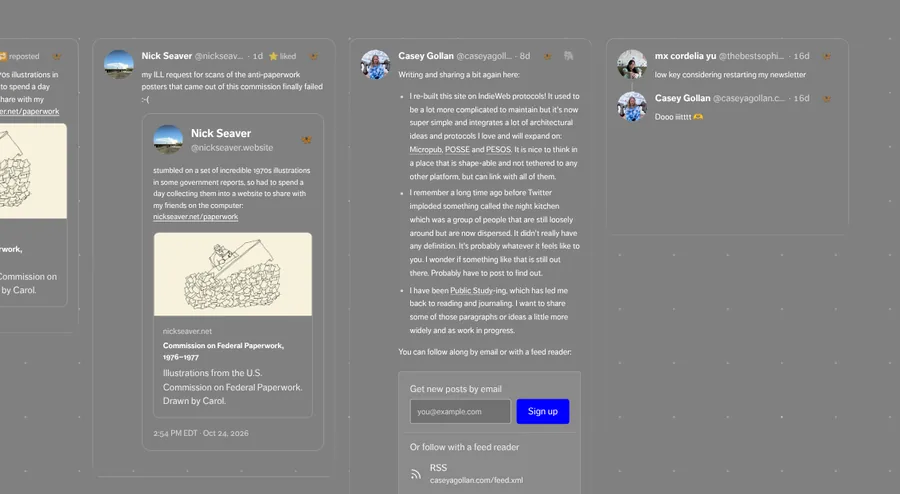
Cards on a table look like where they came from.
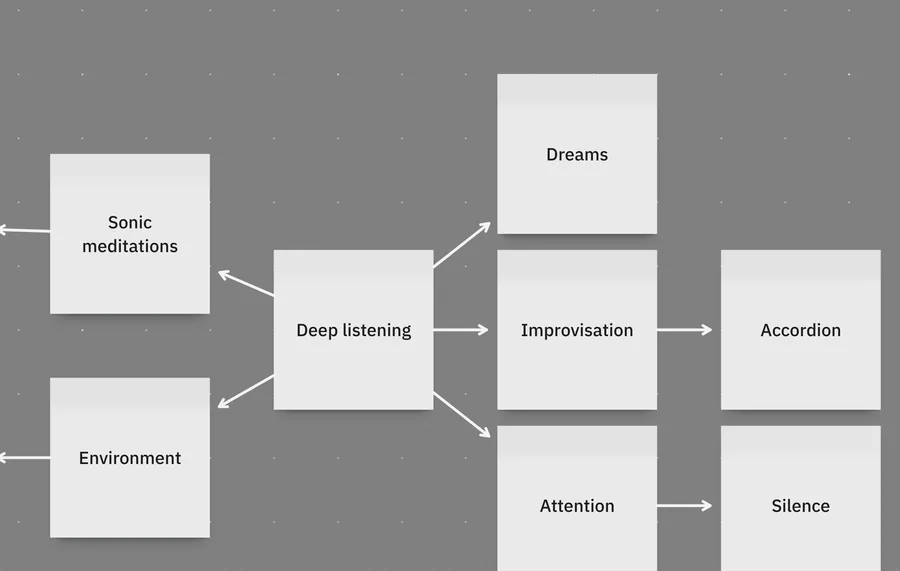
Tables: tldraw canvases where posts, books, wiki pages, Are.na blocks and links sit side by side, inspired by Printed Matter's tables, Grant Custer's tabletop and LiquidText. An Add menu searches the site and places results as blocks. #175#179
Select a block and Add offers that page's pictures, paragraphs and social posts as blocks of their own. It works for linked pages on other sites too. #180#193
New tables start as private drafts with Publish and Unpublish, and a table can be embedded in a post. The browse page draws each table's layout as its picture, Obsidian Canvas style. #181#182
A dot grid with snapping, a per-block Details toggle, and a smoother load. #196
Cards look like their source: Bluesky and Mastodon posts as they appear on their post pages, my notes and replies as note cards, Are.na blocks and channels as Are.na draws them. Links to site posts and Are.na channels are upgraded to rich cards, and double-clicking a corner fits a block to its content. #245#250
Raindrop bookmarks in the Add menu, for me only. #192
Read and batch-edit tags for the posts, Raindrop bookmarks and Readwise items on a table. Changes are staged, reviewed, then written back where each thing lives. #265
Each table has its own chat, which can add blocks and notes, draw arrows, pen strokes, frames and groups, and looks at the board before saying it's done. #232#234
It lays out a table, a selection or an area in one go as a tree, mind map, flow, network or groups, working from the real sizes of the cards. #256
It knows what's selected on the canvas and acts on just that ("frame these"). The open table is listed for it at every step, so it acts without reading the table first. #249#262#263
Context pull takes pictures and quotes out of the blocks on a table and draws a line from each piece to its source. #246#264
It can render a PDF's pages or a whole-page screenshot of a web page onto the table. #269
Fixes: blocks in an area stay in view when the chat moves them, and table edits go to the tab in front. #248#253#257
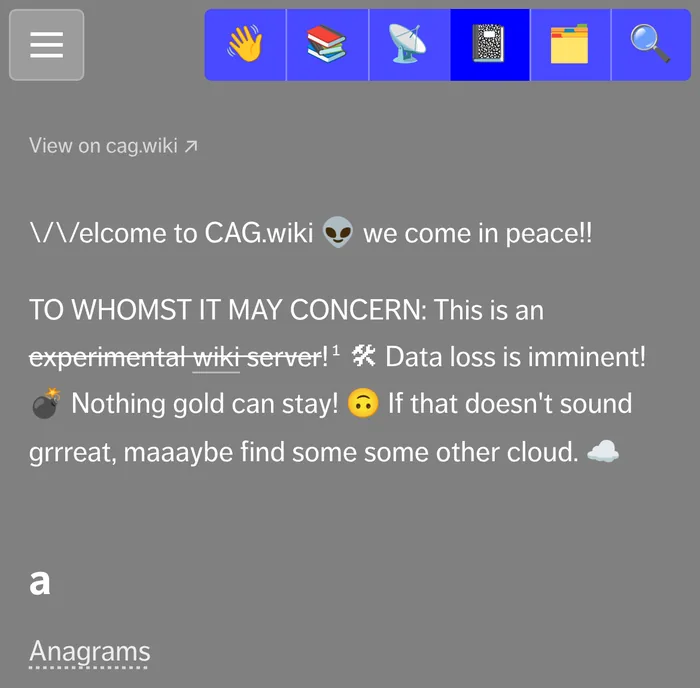
A browser for cag.wiki on the site, in the spirit of Obsidian Publish and Quartz. Each page has wikilinks, embeds, footnotes and highlights, with an outline, a local graph and backlinks beside it. The home has a whole-wiki graph and an A–Z index. Links to wiki pages anywhere on the site show a preview on hover. #176
Wiki links open in sliding panes on wide screens, as on cag.wiki, and the open panes are kept in the address. #185
Dataview fields show as details under the title, %% comments are hidden, and external links are marked. #177
Mermaid diagrams in posts and wiki pages are drawn with Pele. #191
Navigation & Search
A command palette on ⌘K, with page-specific commands, Go to for every section, post types and years with counts, and the best search matches as you type. / opens the full search. On phones, pulling down from the top of a page opens it. #164#169#186
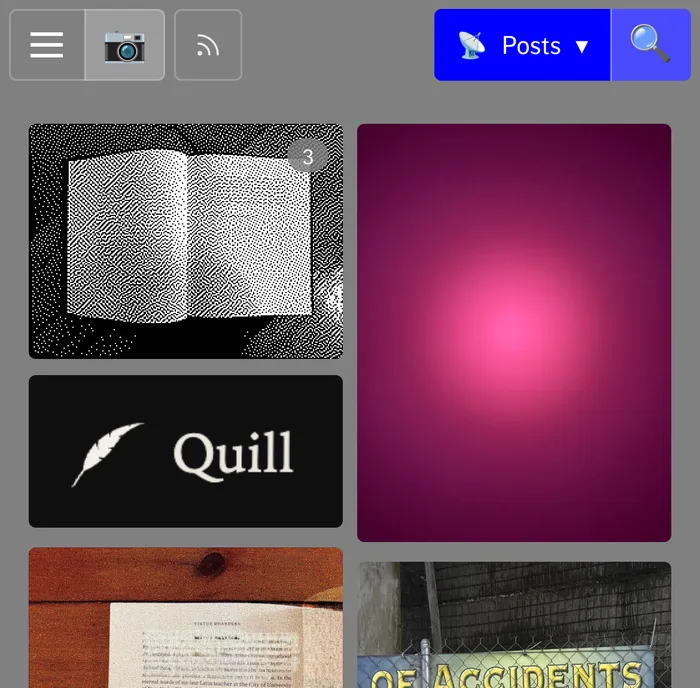
The Posts menu is faceted: types, tags and years are check boxes on every page of the posts section. Tags live at /tags/ as a cloud, and the search overlay starts quieter. #160
Refined the pinned navigation: a quiet outlined trail, section menus, and a home chip that names the section in view. Wiki and Tables joined the nav. #158#165
On phones the nav condenses into a menu when the trail needs the room, long titles truncate, and the feed's sticky date sits in the top bar. #170#178
My Are.na channels and blocks are in site search, with their own filter. #179
⌘-clicking a search or palette result opens it in a new tab and keeps search open. #183
Rebuilt the interactive components on ui-sdk, which handles keyboard, focus and ARIA, and merged near-duplicates. #162
Every social post on the site (notes, replies, likes, reposts and thread rollups) is drawn by the same two components, in the style of a thread view, with a phone layout that uses the card's full width. #163#168
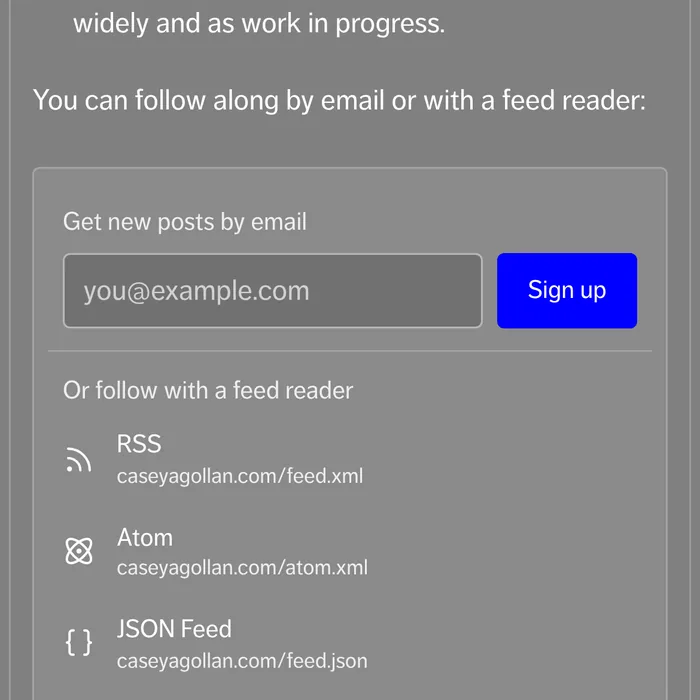
A Subscribe menu beside the page trail offers RSS, Atom and JSON Feed. Every post type and tag has its own feeds. #201#219#222
Sign up for posts by email through Buttondown, with a confirmation email, from the Subscribe menu, a /subscribe page, or a form embedded in a post. #205#207#208
Post pages end with a quiet Reply · Like · Repost row. Each opens a menu of where to do it: Bluesky, your own Mastodon server, or a Webmention from your site. #224
Replies, favorites and reposts on a post's Mastodon and Bluesky copies show on the post, read directly from each network. #220
The site keeps its own copy of incoming Webmentions, and I can hide them. #213
Figures and captions show as figures in the rich editor, with placement, alt text and remove. Attached photos show above the body with editable alt text. Multi-paragraph quotes and italics survive a trip through the editor. #159#197#199
Rename or fix a post's slug from the editor. The post moves in one commit and the old address redirects. #198
Syndication sends up to four photos with alt text to Mastodon and Bluesky. #204
A post can go out as a thread, composed and edited on the syndicate page or through Micropub, with photos on each post. #203
Posting to Bluesky uses atproto OAuth, connected once from the account page, with the app password as a fallback. #221
Every type on the IndieWeb posts page works end to end, except weight: quotations, RSVPs, issues, collections, audio, checkins, venues, reads, watches, listens and more. Micropub accepts multipart creates. #226
Micropub lists posts with q=source and no url, so clients can browse them. #194
Fixed syndicating from iPhone Safari, which was refused as a cross-site form post. #209
IndieWeb
The site passes every IndieWebify.me check: a homepage h-card, rel=me profiles, and cleaner h-entry markup. #206
WebSub hub links on the feeds with a ping when they change, and a sitemap.xml. #211
Posts are served at their trailing-slash address, the one feeds and Webmentions already used. #215
fediverse:creator on posts, so Mastodon can show a byline on link previews, and an OpenSearch description so browsers can add the site as a search engine. #216
schema.org JSON-LD on the homepage and post pages, built from the same data as the microformats. #227
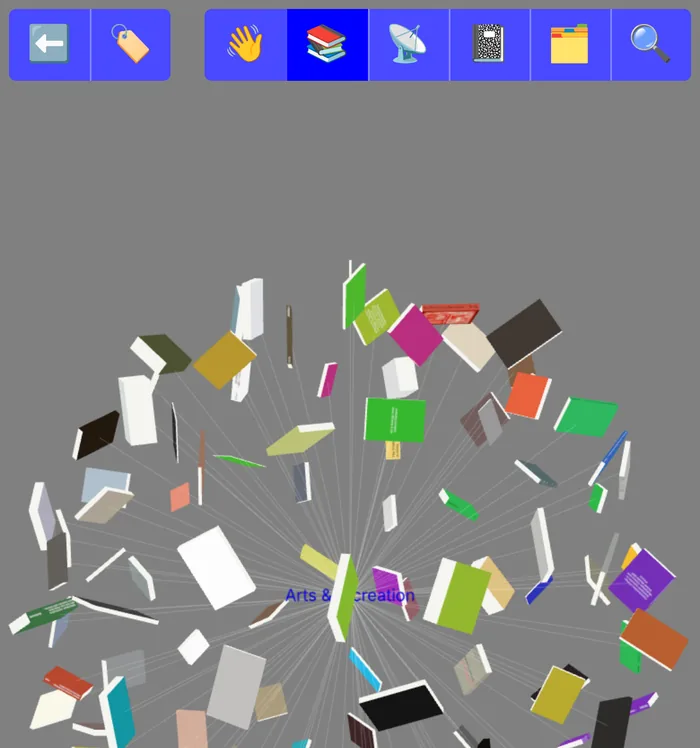
Click a category or a book in the library graph to narrow the graph to it. The rest shrinks away and what remains re-lays itself out. Tag chips in a book's details toggle the same filter. #156#190
Quiet Cuelume interface sounds on the home graph and the library, with a floating speaker toggle. #172#187
The book panel opens beneath the site navigation instead of over it, and a tap on empty space leaves the camera alone. #171#188
On the homepage graph, wiki pages appear as link nodes for a focused topic, and link previews use a themed card with tap to preview on phones. Signed in, I can right-click a node to always show, never show, or attach a link. #167#174
Fixed a lopsided home graph when coming back to the page. #189
Account & Sign-in
The account page is organized into Tools, Connections, Newsletter and Security, with app requests and sign-in on their own page. #260
Branch previews can be signed in to through caseyagollan.com's IndieAuth, so owner-only features can be tried before merging. Publishing stays off there. #231#259
Edit links show only while I'm signed in, not after a session has ended. #184
Builds, Speed & Security
The site is faster on phones: chat streaming, the bottom sheet, search and the pinned corners all do less work per frame. #238
Faster production builds. Storybook is its own Worker, post-only publishes no longer rebuild it or rename JS, and the Posts menu counts load from one shared file instead of being baked into about 4,000 pages. #166#200#202
A security audit of the whole Worker. Closed several of the oldest endpoints to the public and added security headers. #267
Component-first design rules for agents working on the site. #157